












Visual Studio 2022 Professional is a one-time-purchase IDE with a perpetual licence — no subscription needed with a retail key. Here's the full setup path.
System requirements
- Windows 10 v1909+ / Windows 11, or Windows Server 2016/2019/2022 — 64-bit only
- Quad-core 1.8 GHz+ processor · 4 GB RAM minimum (16 GB comfortable) · 20 GB+ free disk (SSD recommended)
Step 1 — Download
Download VisualStudioSetup.exe (a small bootstrapper) from Microsoft's official Visual Studio page — the IDE components download during installation, so a stable broadband connection matters more than the initial file.
Step 2 — Choose workloads & install
- Run the installer and accept the User Account Control prompt.
- Select the workloads that match your projects — e.g. .NET desktop development, ASP.NET and web development, Desktop development with C++, Python, Mobile development with .NET, or Game development.
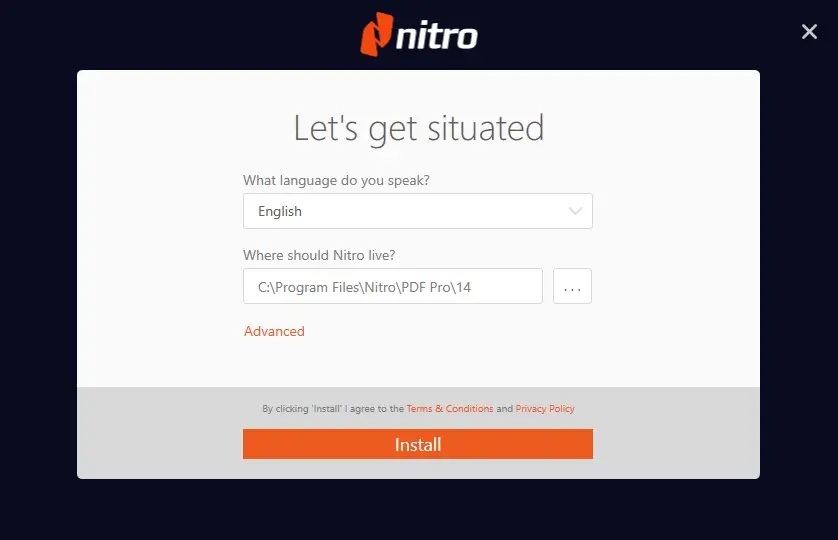
- Check the disk-size estimate, then click Install. Expect 15 minutes to an hour+ depending on connection speed and how many workloads you picked.
- Launch directly from the installer or the Start Menu when done. You can add/remove workloads any time by re-opening Visual Studio Installer.
Step 3 — Activate with your product key
- Visual Studio starts in a 30-day trial.
- Open Help → Register Product.
- Click Unlock with a Product Key and enter your 25-character key.
- The licence applies immediately — one key activates one device.
Bulk keys for teams are available — ask us about reseller/volume pricing.
Troubleshooting
- Installer stalls mid-download — pause/resume in the installer; temporarily disable third-party antivirus.
- Key rejected — check 0 vs O and 1 vs I; copy-paste from your delivery email.
- Won't launch after install — restart the PC, then run Visual Studio Installer → More → Repair.
- Low disk warnings — free space on the system drive or move the package cache in the installer options.
- Offline machine — phone activation is available; our Get CID tool can help for supported Microsoft products.
Get a genuine licence
Visual Studio 2022 Professional retail keys with instant delivery — available at SoftwareKey.us with free activation support.